Let your apps
go to bed, too.
Set a schedule once. Sesame handles the evenings.
01 / Design your cat. Bring her home.
Meet the little reason
to put your phone down.
A tiny companion with a whole life ahead of her.
No feeds. No streak leaderboard. Just a small cat, rooting for you.
A little look inside Sesame. Example app limits.
02 / Daily minutes
When time’s up, the app locks.
Each app gets its own allowance.03 / Her little world
New friends. Little adventures. Tiny kittens.
A new evening story, saved in Memories.
A little place to call home.
04 / Extra time
5 extra minutes in your blocked app.
Three lives, shared across your apps.
Interactive demo · 5-minute lives shown.05 / Every life used
06 / Or make a different choice
It takes a 22-second hold.
Let go and she stays.
THE LITTLE THINGS, TOO
Set a schedule once. Sesame handles the evenings.
Add the Sesame widget. Check in on your cat, see your remaining time and send her a little wave.
No account to create. Share anonymous usage only if you choose.
A FEW GOOD QUESTIONS
Apple’s Screen Time blocks the app you’ve limited. With Hard Mode off, you can spend a shared extra life for a short extension. Once you’ve used your lives, wait until tomorrow or deliberately sacrifice your cat to unlock your selected apps. Sacrifice is permanent for that cat; saved memories remain.
Yes. Choose one, two or three lives per day, and two, three or five minutes per life in Settings. Hard Mode turns extra lives off. Changing the settings doesn’t restore lives you already used.
You can edit each app’s allowance in Settings. Increases take effect tomorrow, so today’s boundary still means something. Lowering a limit takes effect today.
Sesame uses Apple’s private Screen Time frameworks to measure and restrict your chosen apps. Your selected app identities and detailed Screen Time reports are not sent to our analytics provider. Optional anonymous usage analytics helps us improve Sesame. Read the privacy policy for the details.
Sesame is getting ready for its first iPhone release. It will be free at launch, with no in-app purchases. This website is a preview; there’s no download available yet.
A LITTLE LESS SCROLLING STARTS HERE
Sesame. Coming soon to iPhone.
Free at launch · No account needed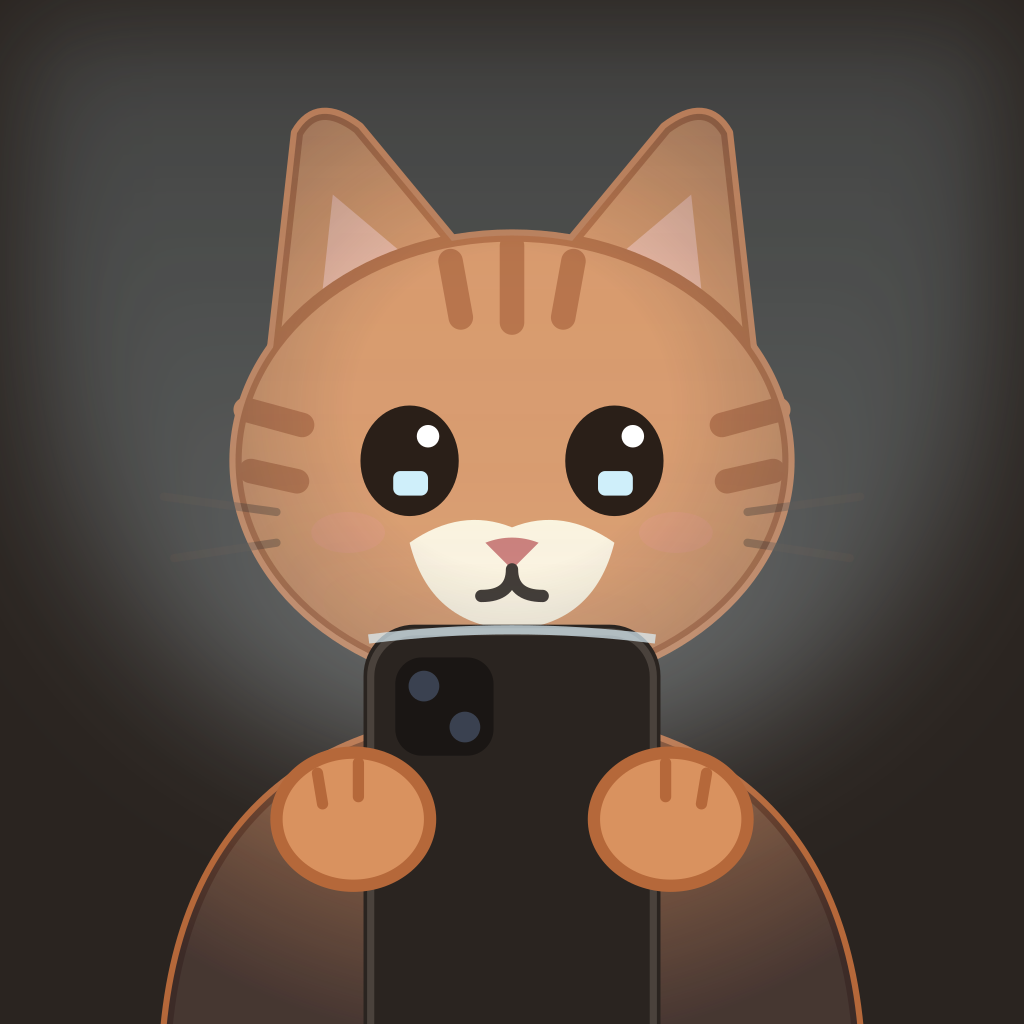 See you soon.